
Oreon 11
The freedom of a power user, without needing to use the terminal.
Planned for 2027
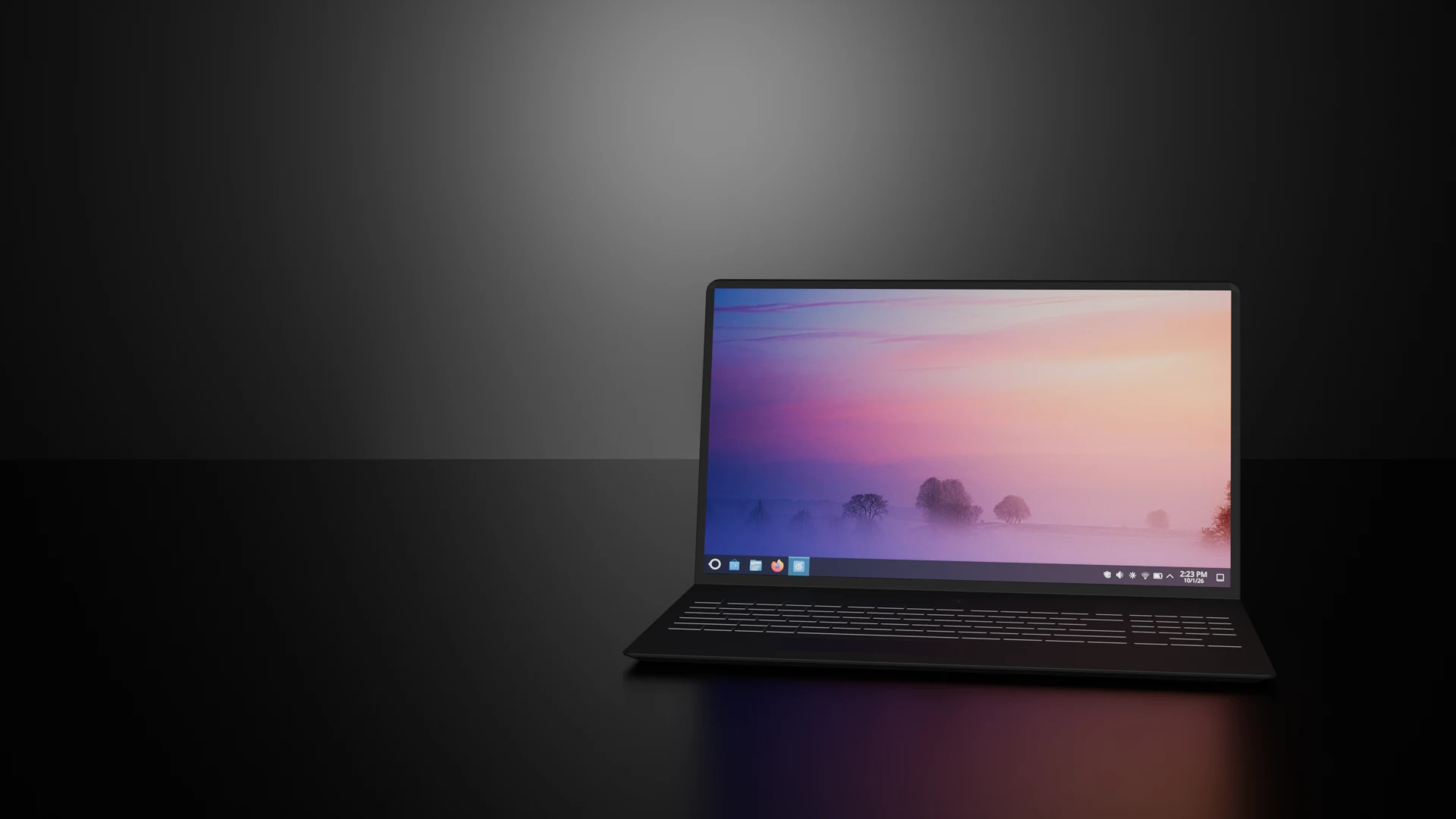
Why Oreon 11+-
Oreon 11 uses a traditional desktop built on an LLVM toolchain instead of GCC. Packages are handled with RPM and DNF so you can change what is on your system, and you won't be forced to upgrade to a new release every few months just hoping nothing breaks. If an update does break something, system rollback is already set up out of the box and works right on ext4 using rsync and hardlinks. The installer also lets you pick through the software before it goes on your drive. If you don't want specific software, you just uncheck it during setup instead of having to uninstall it afterward, vice versa for when you DO want specific software.
Who it is for+-
This release is built for people who want power-user control without needing to be good with the terminal or know how Linux is put together underneath. Managing snapshots, installing packages, handling drivers, running ClamAV, or changing nftables are all things you normally have to do by typing commands. We believe that you should be able to do all of that directly from your desktop.
Why we're writing new tools+-
Linux already has plenty of good software, but it rarely comes together into a polished GUI experience, especially if you are coming from Windows. Putting a basic GUI on top of ClamAV has been done plenty of times. Instead, we're developing things such as Oreon Defense, which takes ClamAV and puts it together with nftables and pkcheck, then notifies you when something is harming your computer. That is the goal behind everything else we are building too, including Oreon System Manager, Root Protection, and others. We want to put existing tools together until they form a polished and complete experience.
Features
Oreon System Manager
A GUI for packages, repos, Distrobox, Docker, and drivers. The stuff you'd usually do in a terminal.
Oreon Defense
Our security app. It shows how secure the system is and notifies you when something is unsafe.
KDE Plasma
The flagship desktop is now KDE Plasma. A lot of it can be customized to your liking. We will eventually offer more desktops in the future.
BORE scheduler and optimized performance
The kernel uses the BORE scheduler so the desktop stays responsive when the CPU is busy.
RPM, from our own repos
You install software with DNF. The packages come from our build system, our repositories, and our own testing standards. Builds ARE reproducible and signed via our own keys.
Stable-rolling and LTS
Stable-rolling picks up newer software sooner. LTS keeps a slower pace. You choose which download to start from.
Centrio installer and driver detection
Centrio is the installer. You can set a lot up before it copies anything to the disk. It also looks for drivers for devices as NVIDIA graphics cards during install.
Our infrastructure
Repositories and downloads are served from our own infrastructure. The Oregon State University Open Source Lab is a secondary provider on top of that.
Oreon Root Protection
Snapshots, and a way to roll back if an update breaks something. Works on more than one filesystem, including ext4. Backup and restore is included.
Easy Secure Boot setup
Secure Boot uses our own key. Put the device in Setup Mode, and Centrio enrolls our key and turns Secure Boot back on.
Early downloads are not yet available
Early downloads for Oreon 11 are not yet available. We will update our community when this changes.
If you want something to install today, get Oreon 10.
Oreon 11 is planned for 2027
Oreon 11 is planned for 2027. Oreon 10 is the release you can download today.
Help build Oreon.
We need people for development, packaging, and security. If you want in, apply.
Join the team